If you already have classes built in MixMeister Fusion or
MixMeister Express, you can import your
.mmp projects directly into Profiles.fit. The importer creates
a new profile with all tracks in order and the segments pre-populated with
each song's exact duration.
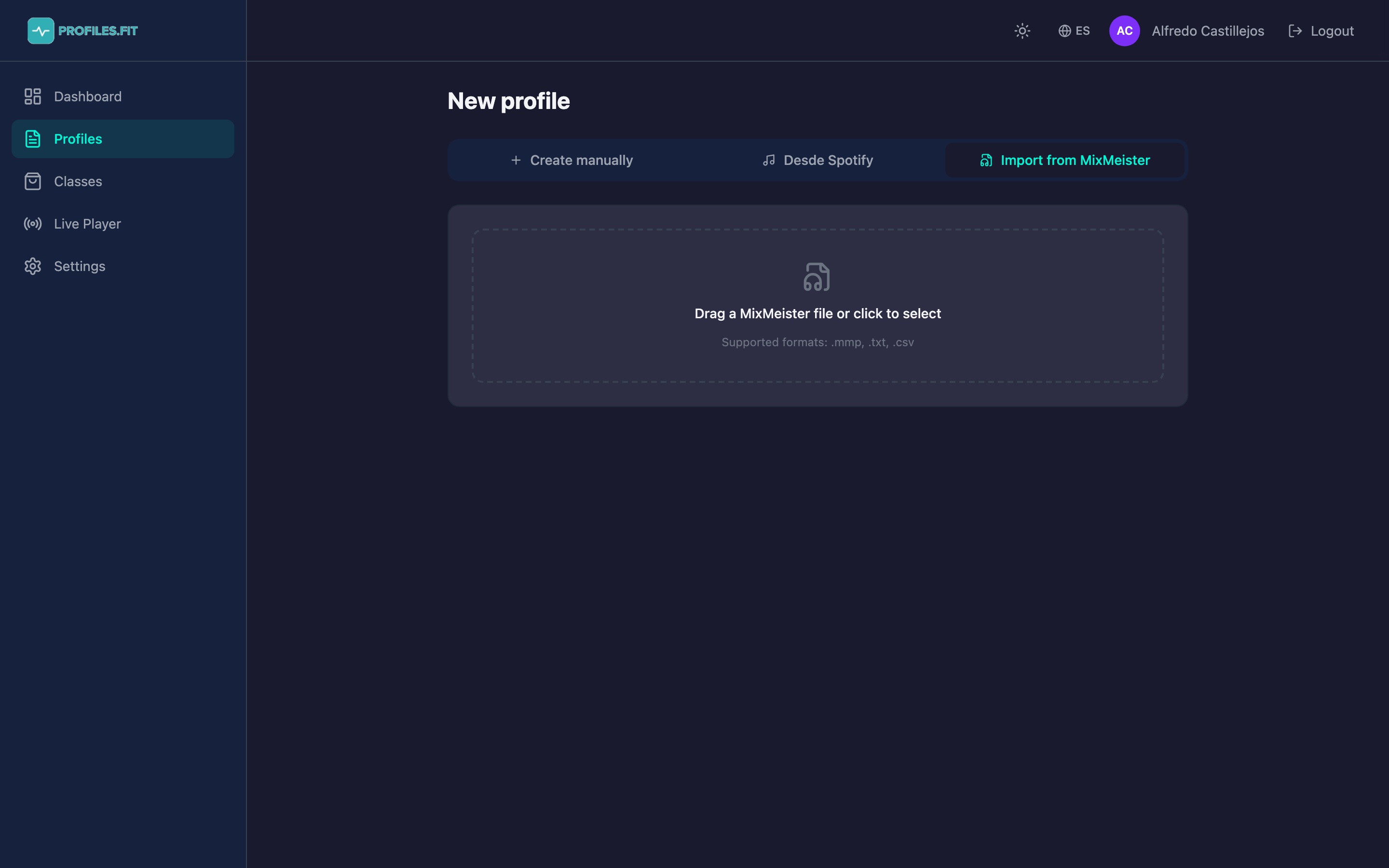
Supported formats
- .mmp — MixMeister Fusion and Express RIFF project file.
- .txt / .csv / .tsv — tabulated track export from MixMeister (columns: order, title, artist, BPM, duration).
How to import
- From Profiles, click New profile.
- In the form, switch to Import MixMeister mode.
- Click Select file and pick your
.mmpor.txt. - Profiles.fit parses the file and shows a preview with every detected track: title, artist, BPM, duration.
- Fill in the profile title (auto-suggested from the file name).
- Pick the discipline.
- Choose whether tracks should play from Spotify (auto-matched by title + artist) or your own MP3 (you'll upload each file afterward).
- Click Create profile. The profile is created with one segment per MixMeister track, in order.
You must choose Spotify OR MP3 — not both
The platform choice applies to the entire imported profile.
If you pick Spotify and some track isn't on Spotify, that segment is
left without music and you have to assign it manually later. If you
pick MP3, you'll upload each file from the editor.
Automatic match with Spotify
When you pick Spotify, Profiles.fit searches each track by title + artist and takes the first result. Accuracy is high for popular music but can fail with:
- Remixes and edits that aren't on Spotify.
- Names with special characters (curly apostrophes, accents).
- Collaborations where MixMeister had a different artist order.
Review the imported profile and manually change any tracks that failed using each segment's Change button.
What gets imported and what doesn't
- Yes: track order, title, artist, BPM, duration.
- No: transitions, loops, MixMeister mix effects (they don't apply to Profiles.fit — each segment is independent).
- No: sub-segments. Add them later in the editor if needed.
- No: movements or energy zones. The importer assumes Z2-Z3 by default and generic movement; you configure them afterward.
After importing, review segment by segment
The importer gives you the profile skeleton but doesn't know which
movement belongs to each block. Spend 5 minutes adjusting zones,
movements, cadences and coaching notes before using the profile in class.