Once your account is verified you can enter the instructor panel.
Profiles.fit has two separate sites: the public landing
(profiles.fit) and the admin panel
(admin.profiles.fit) where all your work lives.
How to log in
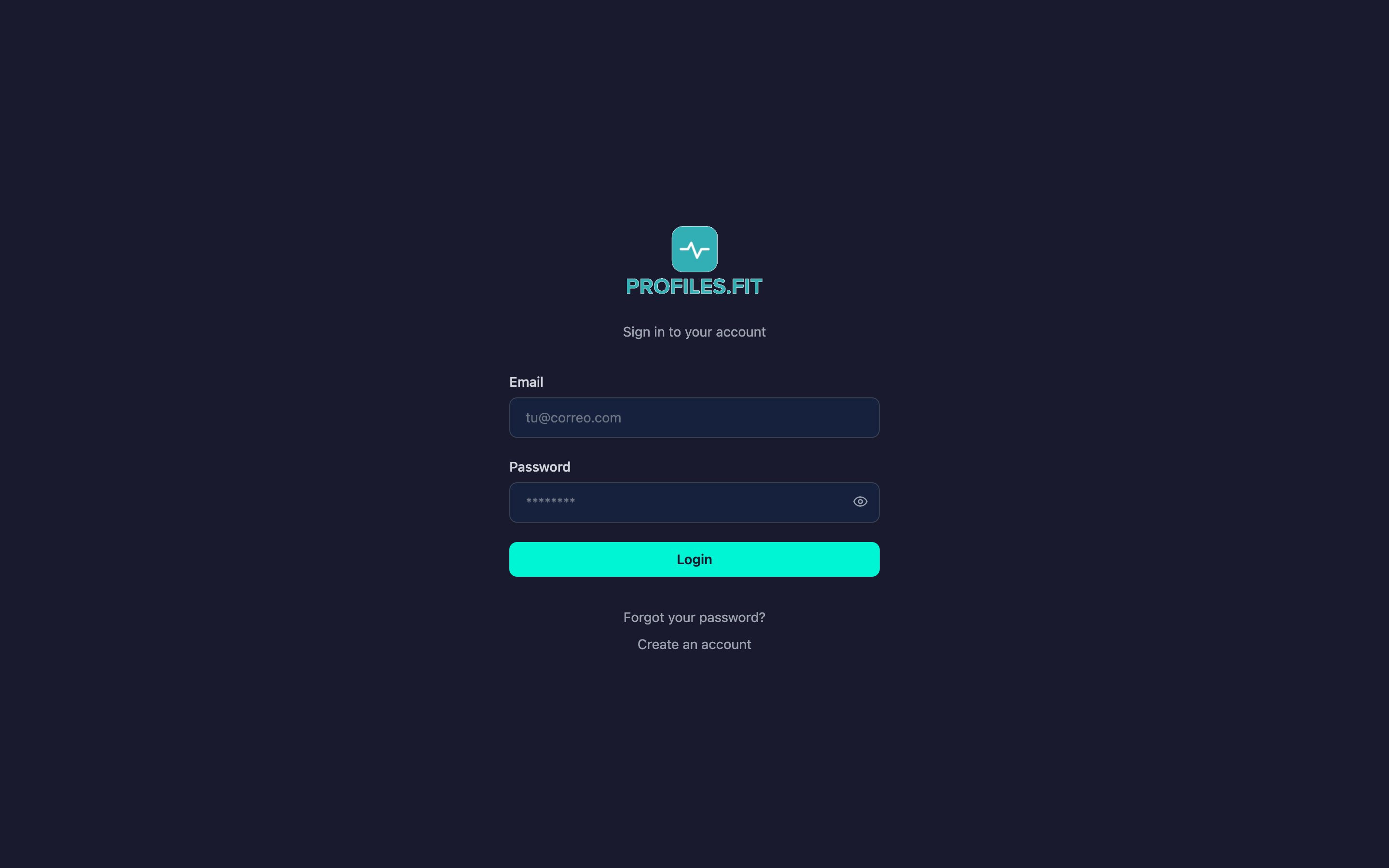
- Open admin.profiles.fit in your browser. You can also get there from the Login button in the landing header.
- Enter the email you used to sign up.
- Type your password. To check what you're typing, click the eye icon at the end of the field.
- Click Login. You'll be taken to the dashboard.
Change the language before logging in
The admin supports Spanish and English. You can switch from the ES/EN selector in the top-right corner at any time; the preference is stored in your browser for future sessions.
Active session
Logging in stores a token in your browser. Closing the tab doesn't end your
session: to log out use Logout from the top-right corner or
from Settings.
Wrong password?
If the password fails 3 times you'll see a hint suggesting you reset it. Continue with the Password recovery topic for the full flow.