If you forgot your password you can request a recovery email right from the login screen. The process is quick and doesn't need a support request.
Step by step
- Open admin.profiles.fit/login.
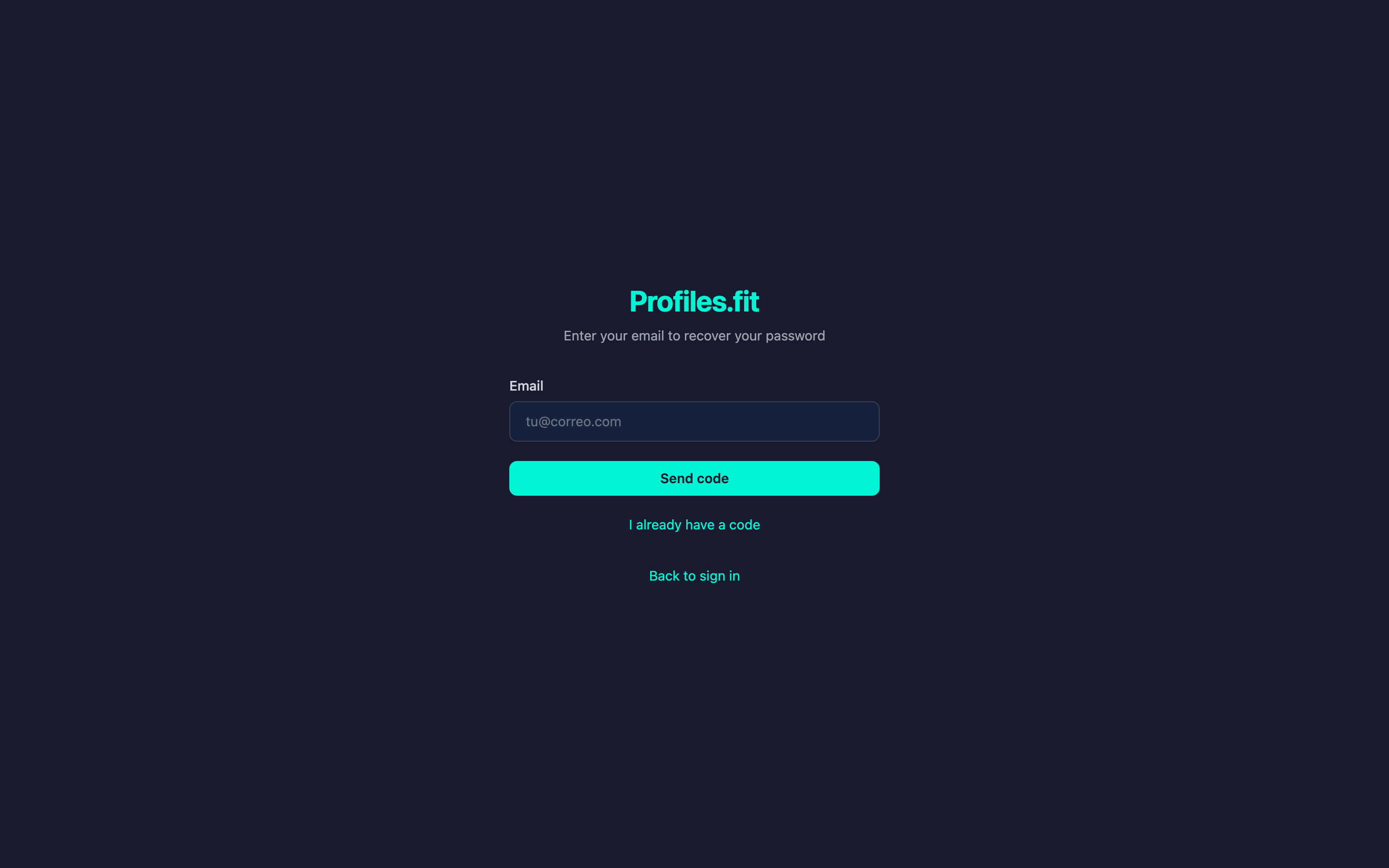
- Below the Login button, click Forgot password?.
- On the next screen enter your account email and click Send.
- Check your inbox: an email will arrive from
contact@profiles.fitwith a 6-digit code. - Back in the admin, enter the code, type your new password and click Reset.
- You'll be redirected to the login screen. Sign in with your new password.
New password requirements
- At least 8 characters
- At least one letter and one number
- Cannot be identical to the previous one
The code expires
Recovery codes are valid for 15 minutes only. If it runs out, request a
new one. Previous codes are invalidated automatically the moment you ask
for another.
Email not arriving?
- Check spam and promotions. Emails from
contact@profiles.fitsometimes land there on the first try. - Double-check there are no typos in the email you entered.
- If the issue persists, email contact@profiles.fit from another address confirming the last 4 characters of the email you registered with.